Concept · Web and VR
Orbenaut: a guided VR trip to Mars, from the browser to the headset
A website that gets your VR headset ready, then a guided virtual tour of Mars.
20212 min readVRUI designPrototypingBranding
Overview
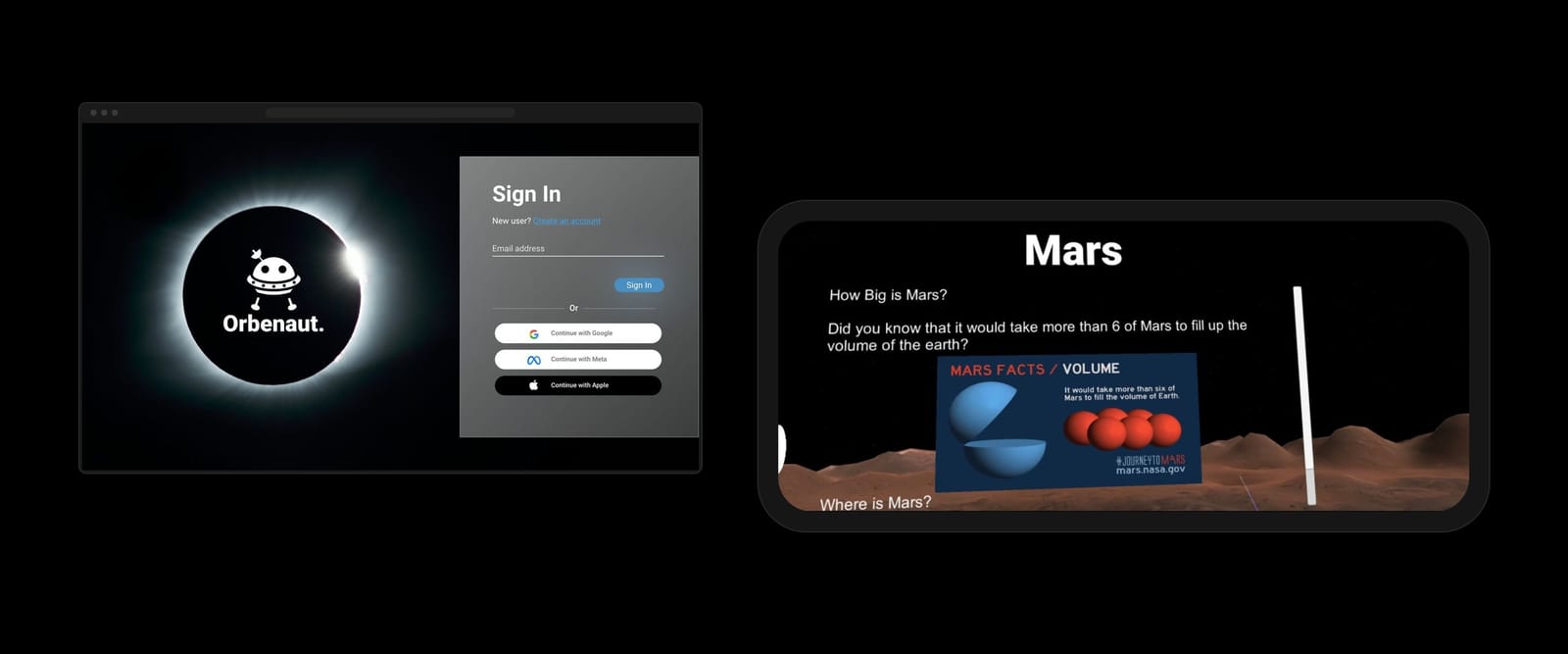
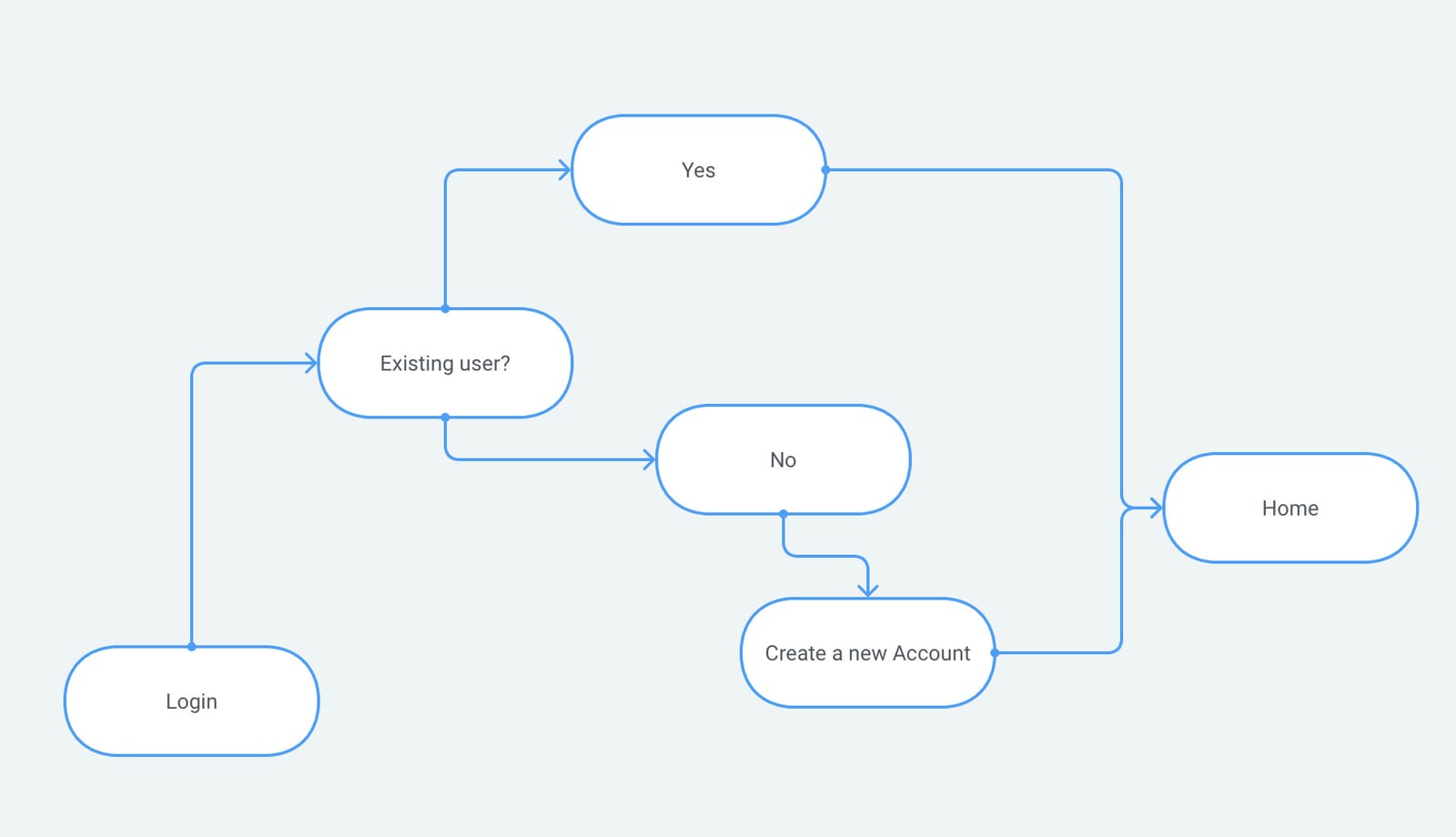
A trip through space that you take from home: sign in on the website, pair your VR headset, and a guide called Orbe shows you the controls before you land on Mars. I designed the brand, the web screens and the interface in the headset. It was a short project, so this write-up is brief.
- Aim: Send people on a mission through space, virtually and from home, and teach them a fact or two on the way.
- What I did: A logo and glass style, the web sign-in and headset set-up, the sign-in flow, and the panels inside VR.
- Next: A plan for sessions with five people, some of them new to VR.
What it is
A space trip for people who may never have worn a headset
The About Us page sets the aim: "to send you on a mission through space, virtually and from the comfort of your home", and "maybe even learn a fun fact or two along the way".
Decisions
Do the fiddly set-up on a screen, then keep VR simple
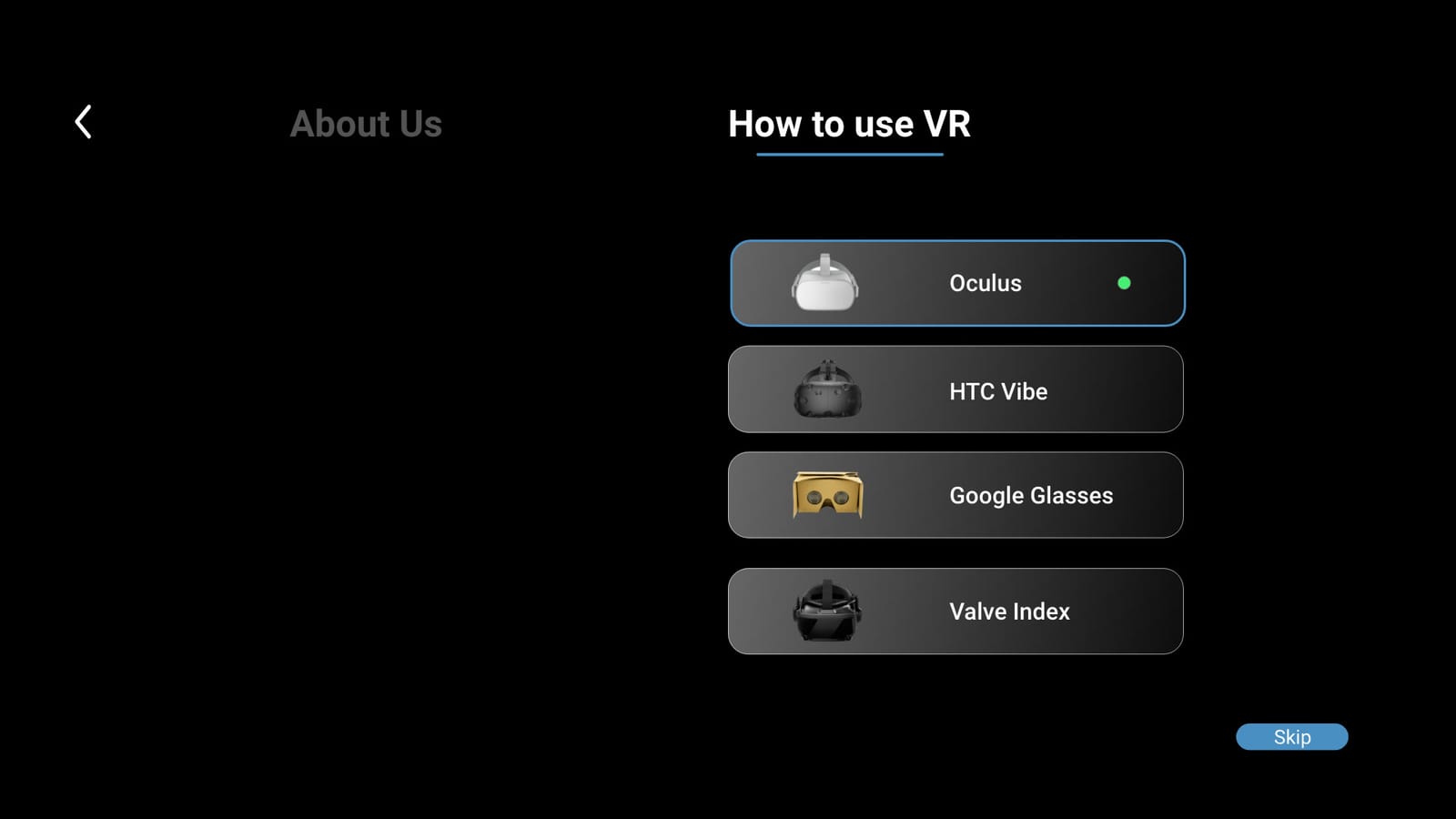
Set up before the headset goes on. Choosing and pairing a device is fiddly, so it happens on the website: a 'How to use VR' page lists four headsets, then 'Searching' and 'Connecting VR Glasses' screens show the pairing.
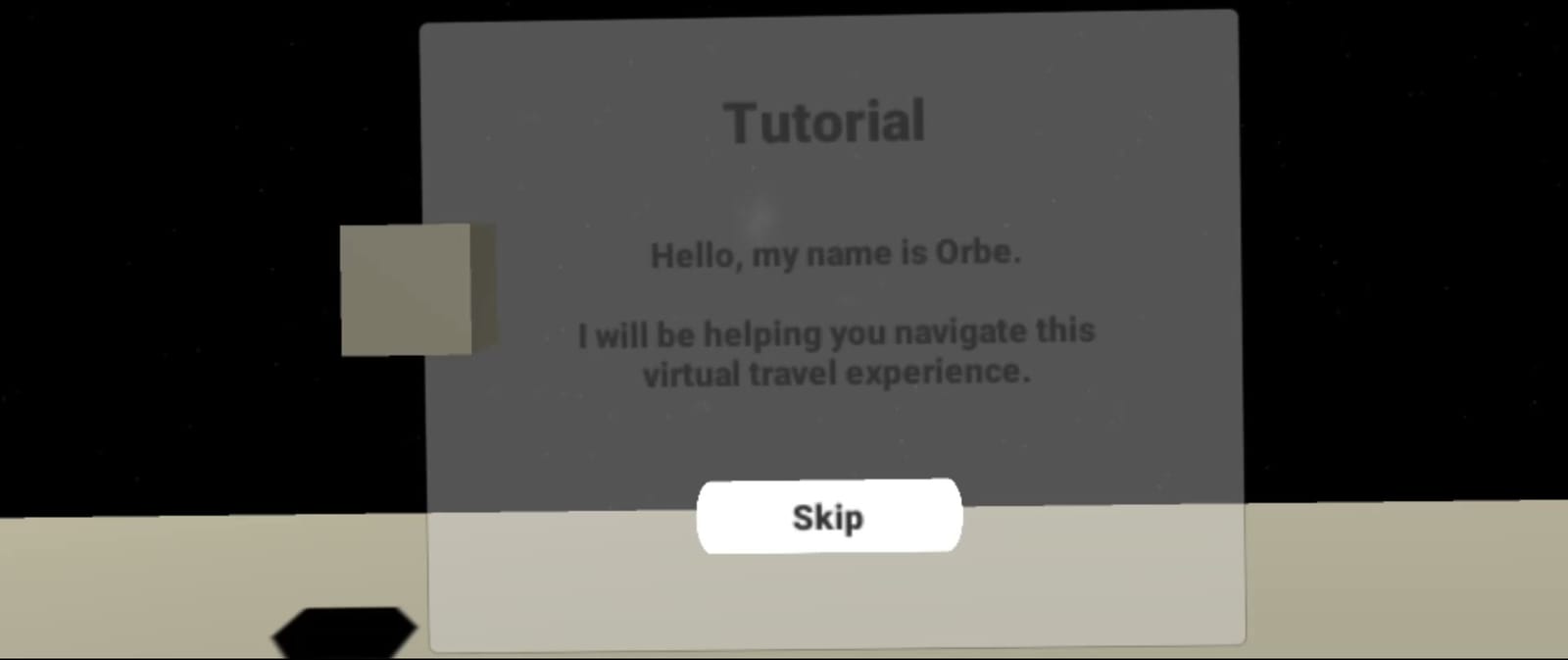
A guide for first-timers. The first panel in VR says: "Hello, my name is Orbe. I will be helping you navigate this virtual travel experience." The next shows which triggers to use. Skip and Next keep returning visitors moving.
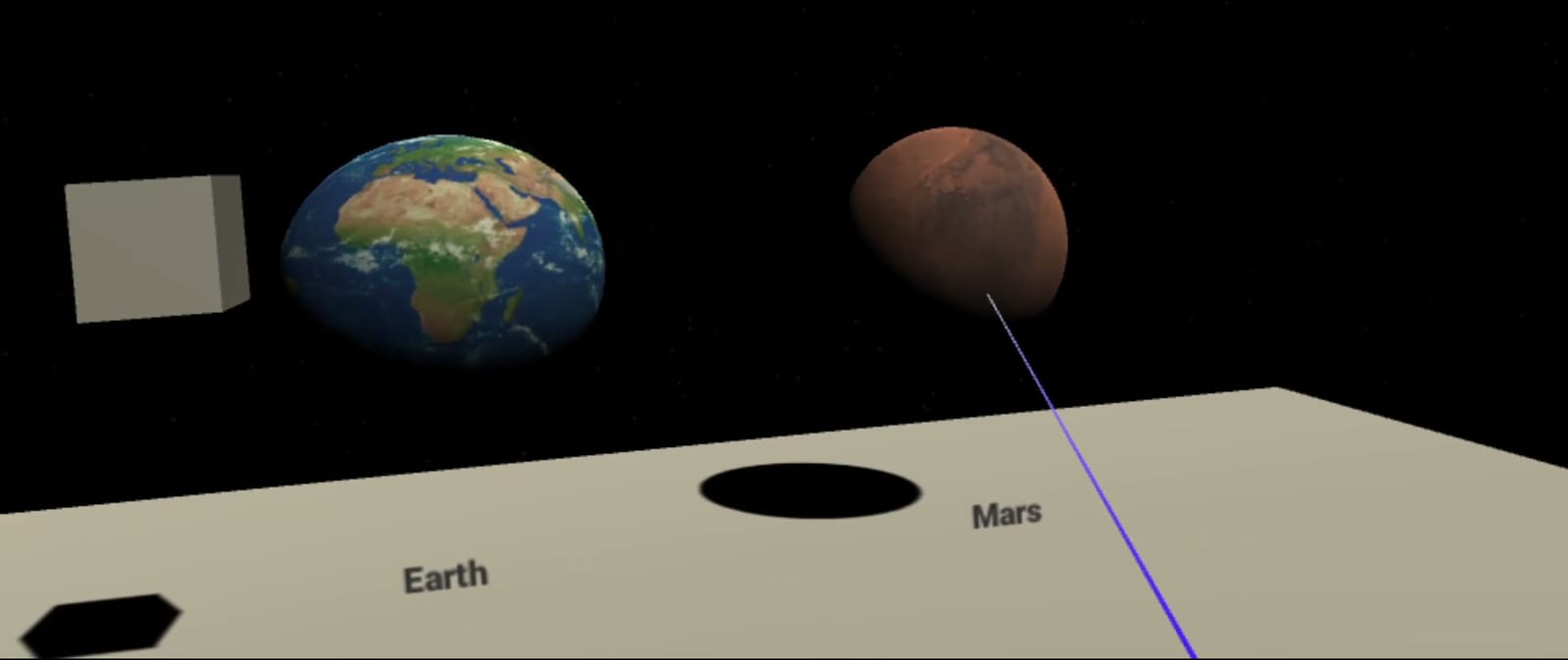
Few, large targets. Every choice is a big floating panel or a planet you point at: Earth or Mars, Land or Return, then Info 1, Info 2 or Video, each with a way back to orbit.
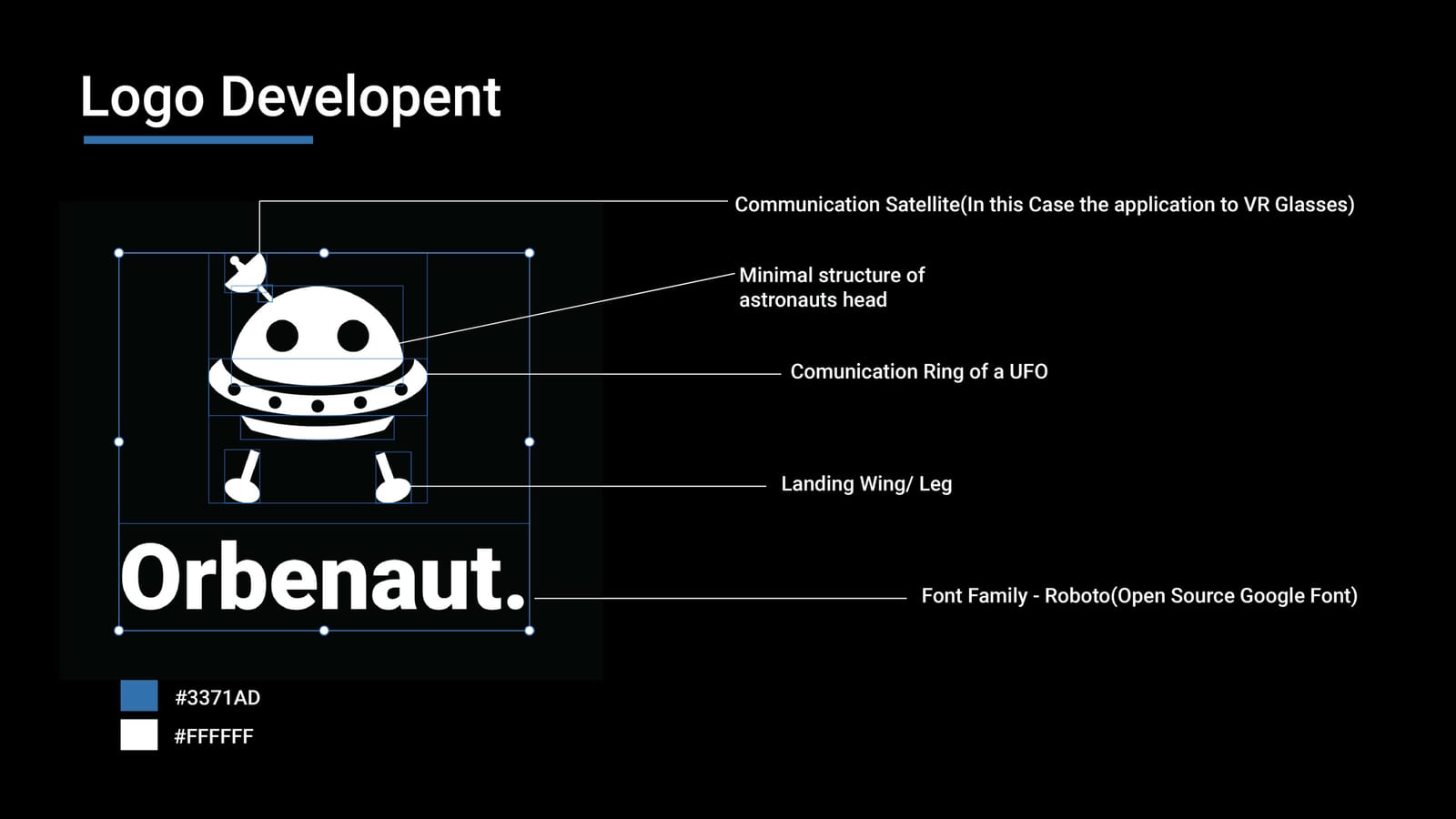
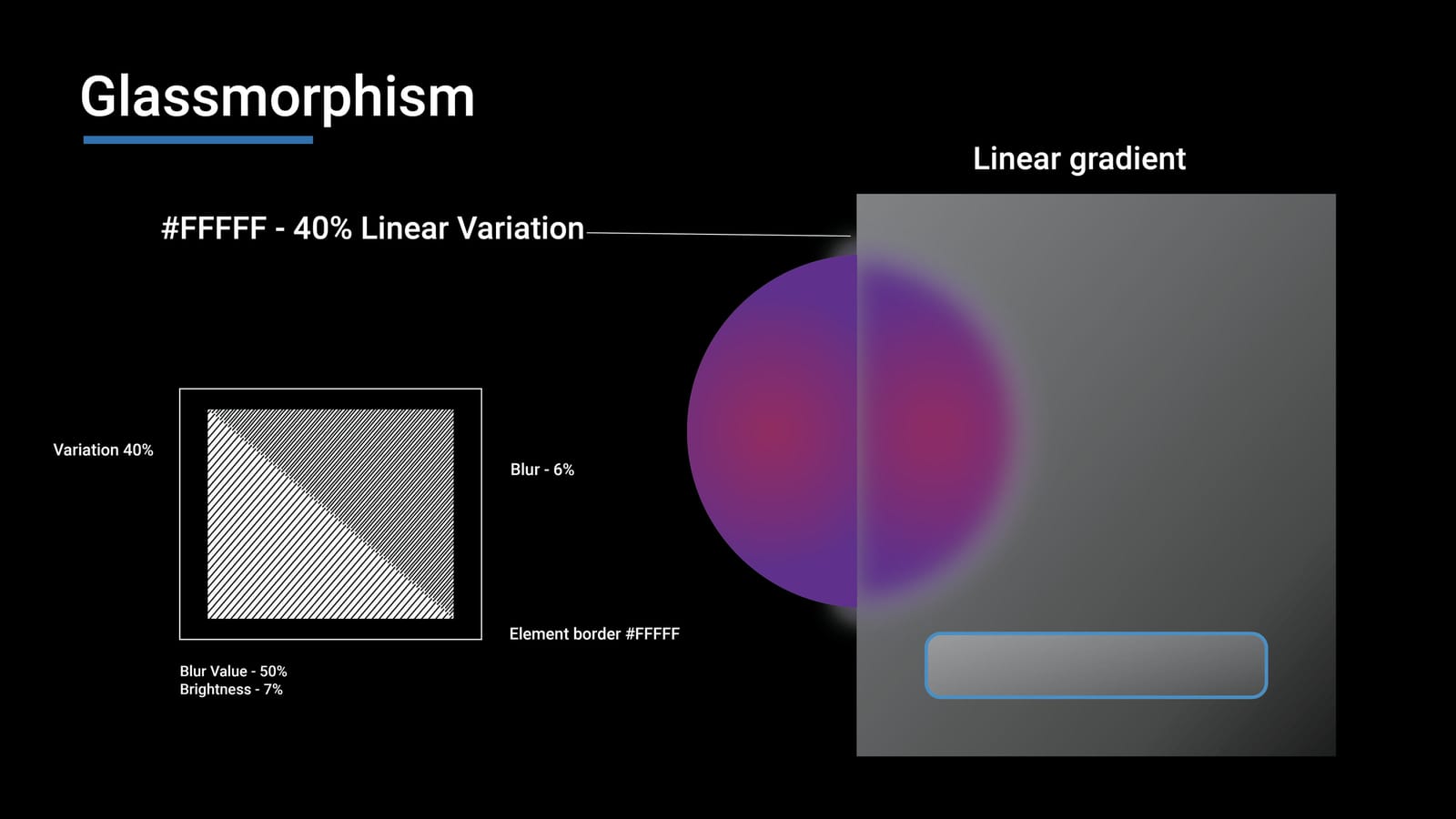
One visual language. The logo joins an astronaut's head, a UFO's ring and landing legs, with a satellite dish for the link to the headset, in Roboto and one blue, #3371AD. The web panels use frosted glass: a white gradient, blur and a thin white border.
Solution
From sign-in to the surface of Mars
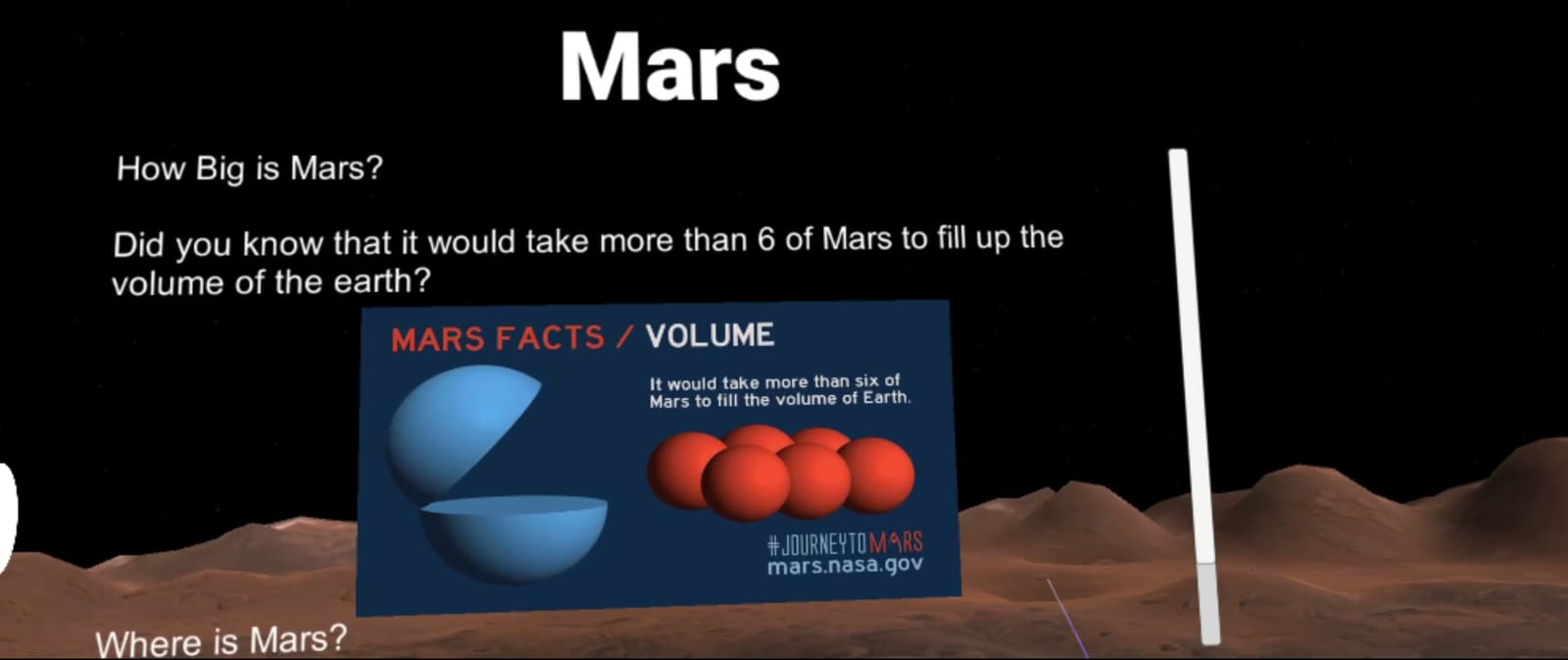
The cut below follows one trip, from sign-in to the fact panels on Mars: its size, where it is, a day there and what is inside, plus Curiosity rover videos from Gale Crater. The Mars imagery, facts and videos come from NASA/JPL (mars.nasa.gov).
Next steps and reflection
How I'd test it, and what I'd change
The plan: ask five people, some new to VR, to pair a headset, finish the tutorial, land on Mars and find how long a day there lasts. I'd measure completion, time and requests for help, and check comfort with a simulator sickness questionnaire.
Looking back, I'd fix legibility first: the tutorial's grey text on a grey panel is hard to read even on a monitor, and worse in a headset. I'd raise the contrast, enlarge the type and keep panels at a comfortable distance. I'd also add a seated mode, an option without the triggers, and captions for the videos.
Want to talk about this project? Get in touch